Bid it, build it, bill it. One app, your own box.
General contractors, remodelers, roofers, and any trade that bids, builds and bills. The office on a computer, the crews and subs on their phones, the customer in a web page. Florida's rules are already in it. Available now
What it does, in plain words
Every feature is a switch: turn on what you use, hide the rest.
Sell
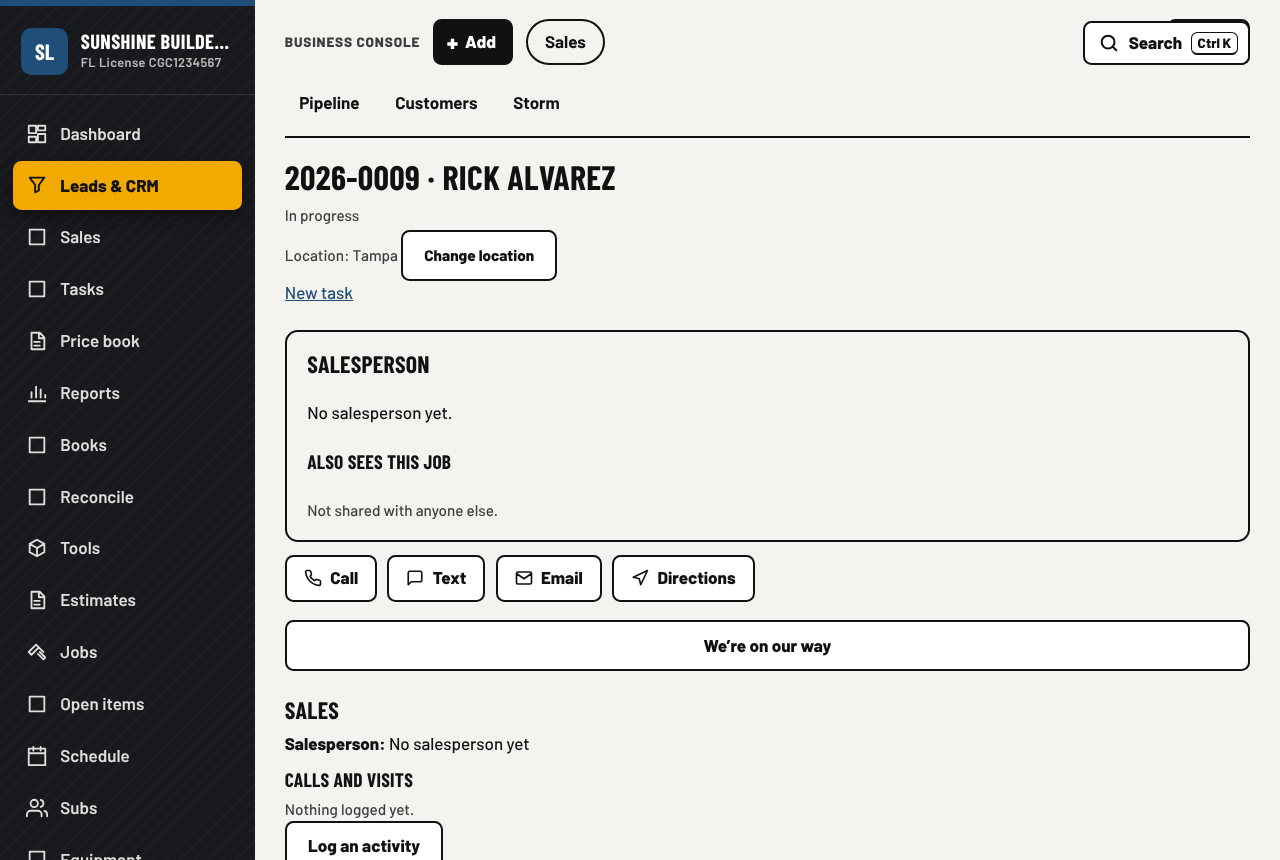
- Leads and a sales pipeline, salesperson queue, territories and routing
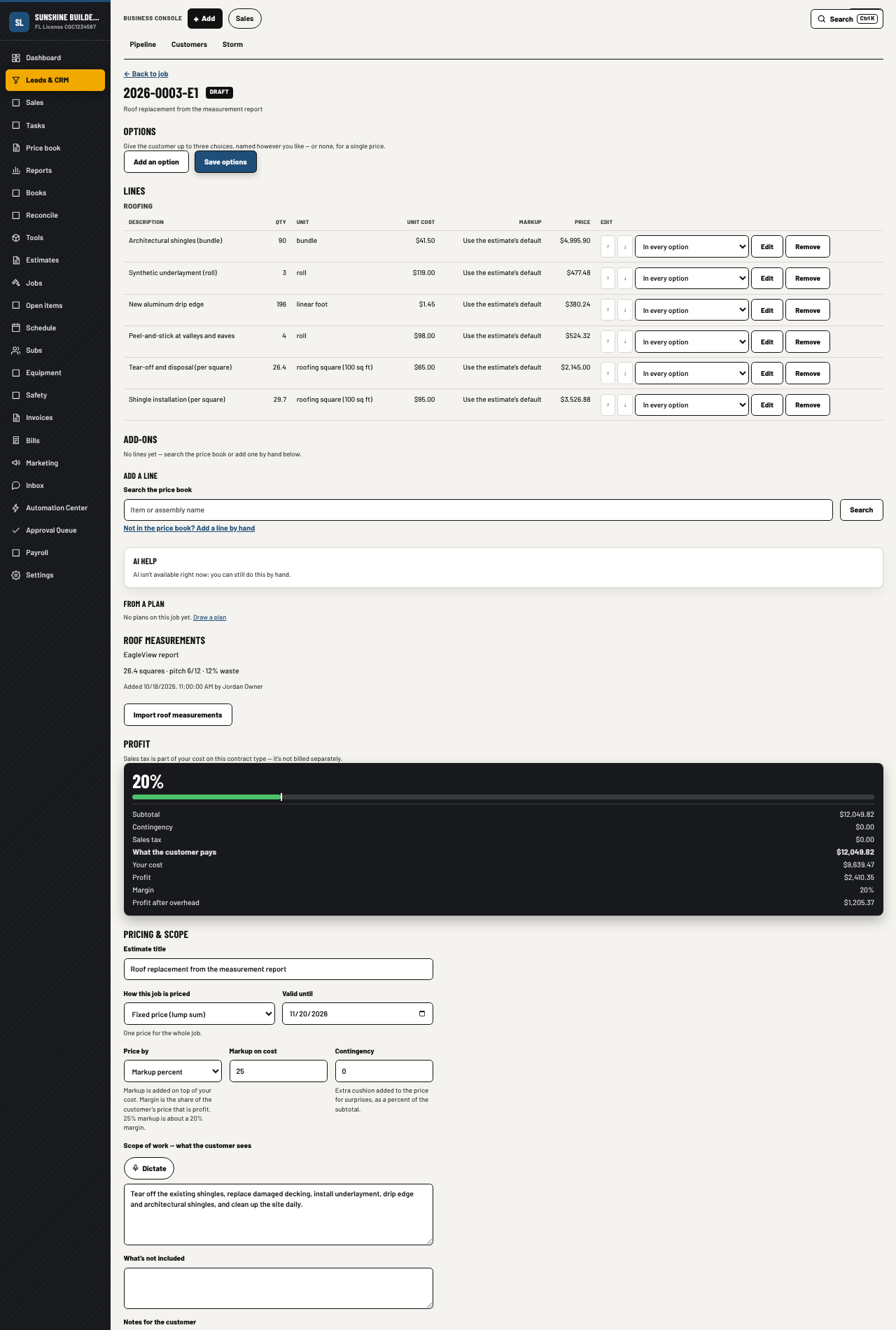
- Estimates with a price book, AI first drafts, good/better/best options
- Roofers: bring an EagleView or Hover report into an estimate and the roofing lines fill in
- Contracts with e-sign and deposits; insurance jobs with the whole claim file, from the carrier's estimate to the final payment
- Marketing: posts, ads, campaigns, reviews, referrals, a public website
- A phone receptionist that answers the line, takes messages and puts urgent calls through
Build
- Jobs, schedules, daily logs, photos, change orders
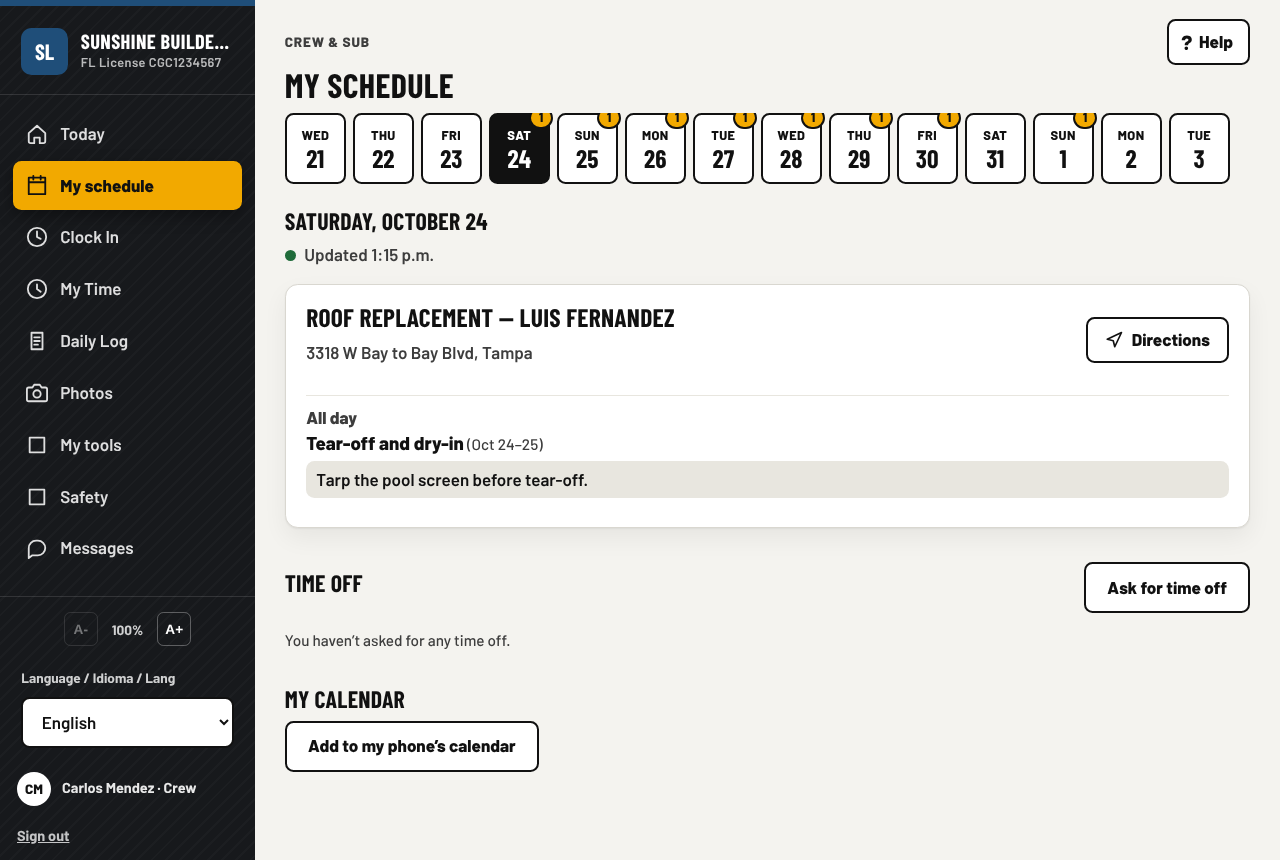
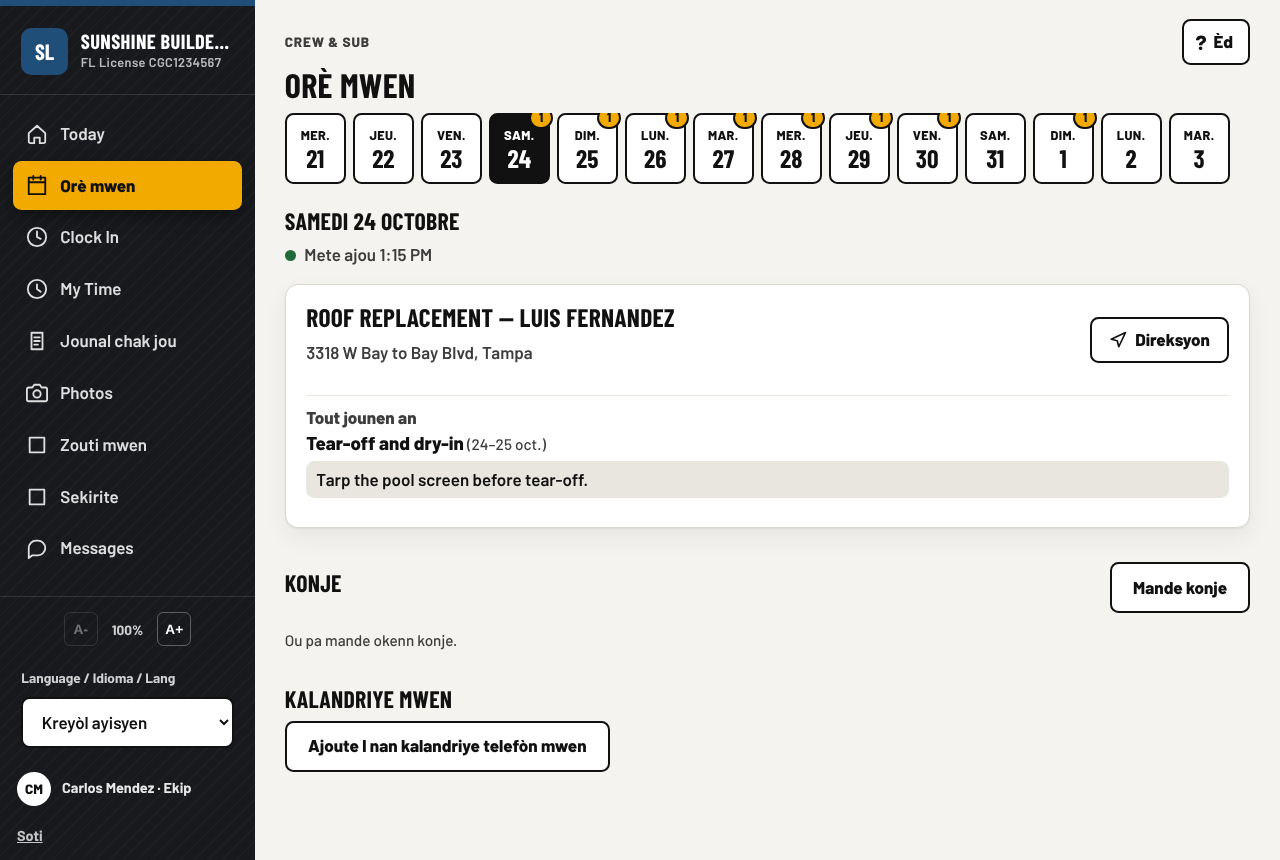
- Crew app: GPS clock-in, Today screen, timesheets, in English, Spanish and Haitian Creole
- Subs: sub portal, bids, work orders, sub invoices, lien waivers
- Working inside the general contractor's Procore: the RFIs and submittals assigned to you show on your job, and your part of the day goes to the GC's daily log, and the monthly pay application goes to the GC with its signed waiver
- Permits and liens, plans and takeoffs, 3D views, punch lists and RFIs
- The app reads a plan page and proposes the takeoff rows; a person confirms each one. PDF drawings open in the app, with marks and revisions
- Open items: every open RFI, inspection, expiring permit and punch item across all your jobs, on one page
- Solar jobs: the system, the power company and the paperwork list a solar permit needs
- Storm season mode, with declarations that start from the weather service's alerts; safety talks, incident reports, equipment, weather
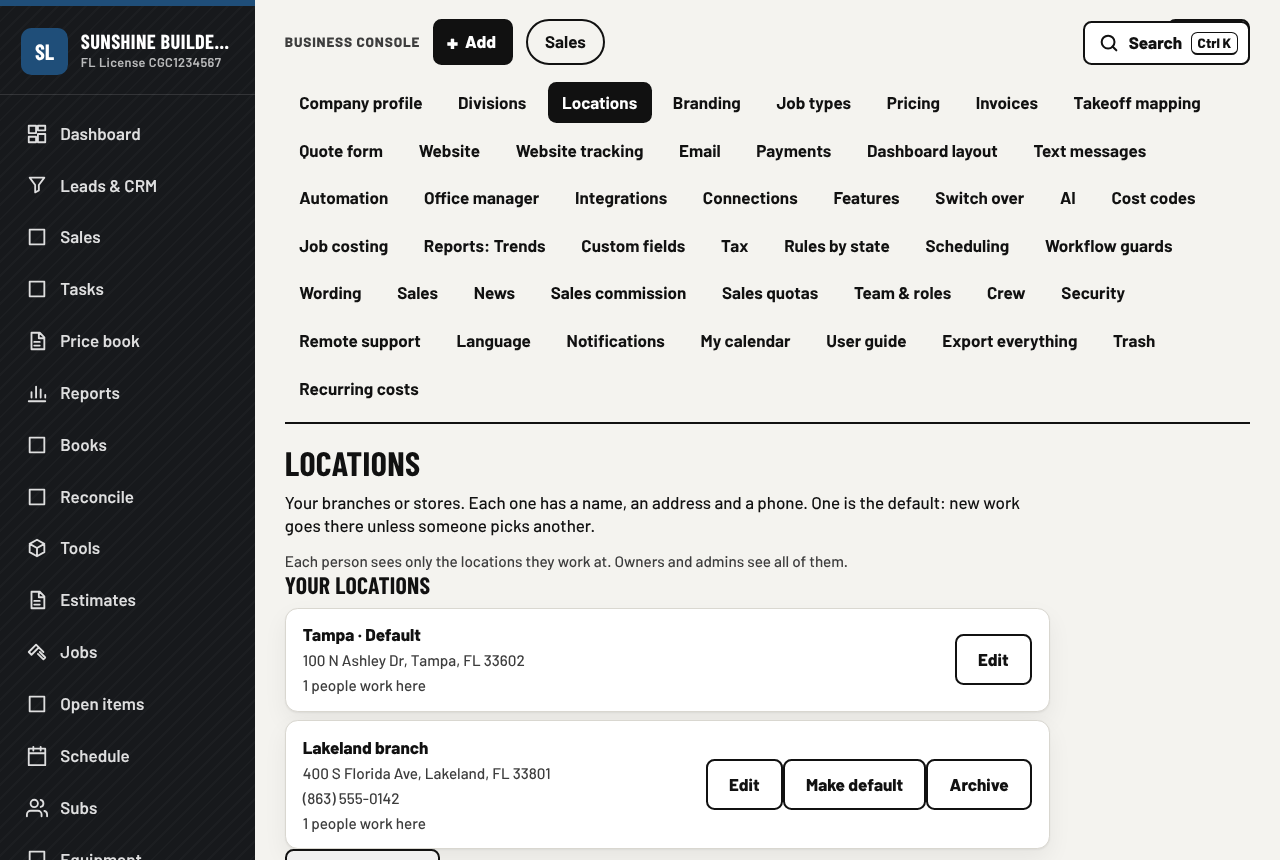
- More than one location, with approval limits for each person
Get paid and keep the books
- Invoices, draws, online card payments, customer portal with Pay now
- Pay over time at checkout, if you switch it on: you are paid in full
- Books: accounts, bills (read from a PDF or photos), bank import and reconcile, reports, job costing counted from the books, and a report that lists what moved since last quarter
- Payroll: pay runs, stubs, filings, certified payroll, workers' comp
- QuickBooks both ways every night, and Xero export; export everything, any time
- Connect other apps with a key and webhooks (Zapier, Make, a spreadsheet)
- Automations, inbox and email, texting with consent rules, warranty and service requests
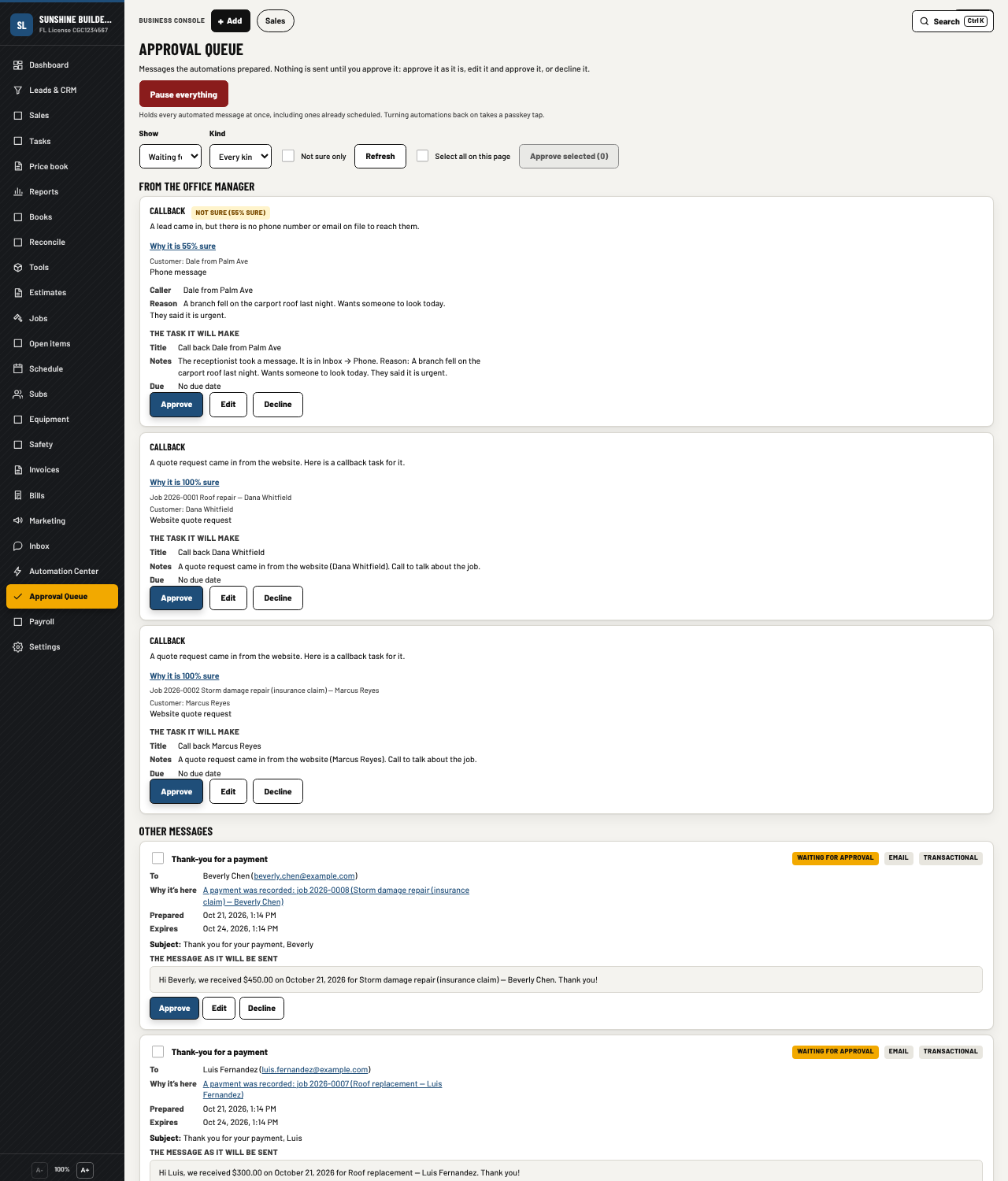
- An office manager: one approval queue for the routine work, and nothing goes out without your tap
Florida is built in
Contracts that hold up
The wording Florida requires in a home improvement contract, the notices, the deposit and cancellation rules, the e-sign record. Drafted for an attorney's review, item by item.
Liens and notices
Notice to owner, lien deadlines, waivers for every sub and supplier, tracked per job so nothing is missed.
Permits and inspections
Each permit on the job with its inspections, who is coming and when, and what the inspector wants to see.
Storm season
A mode for the weeks after a storm: insurance jobs, the price-gouging rules, the crews and the paperwork that come with them, and a declaration that starts from the weather service's alerts for your address. Rule packs for 13 more states when you work across the line.
How your people use it
What is in, and what is next
In the app today
- Everything listed above
- An office manager with one approval queue: it triages the inbox, books a visit from a customer's text, drafts an estimate from the photos and your price book, offers the final invoice when a job is done, reminds on unpaid invoices and matches the bank. Nothing goes out without a tap
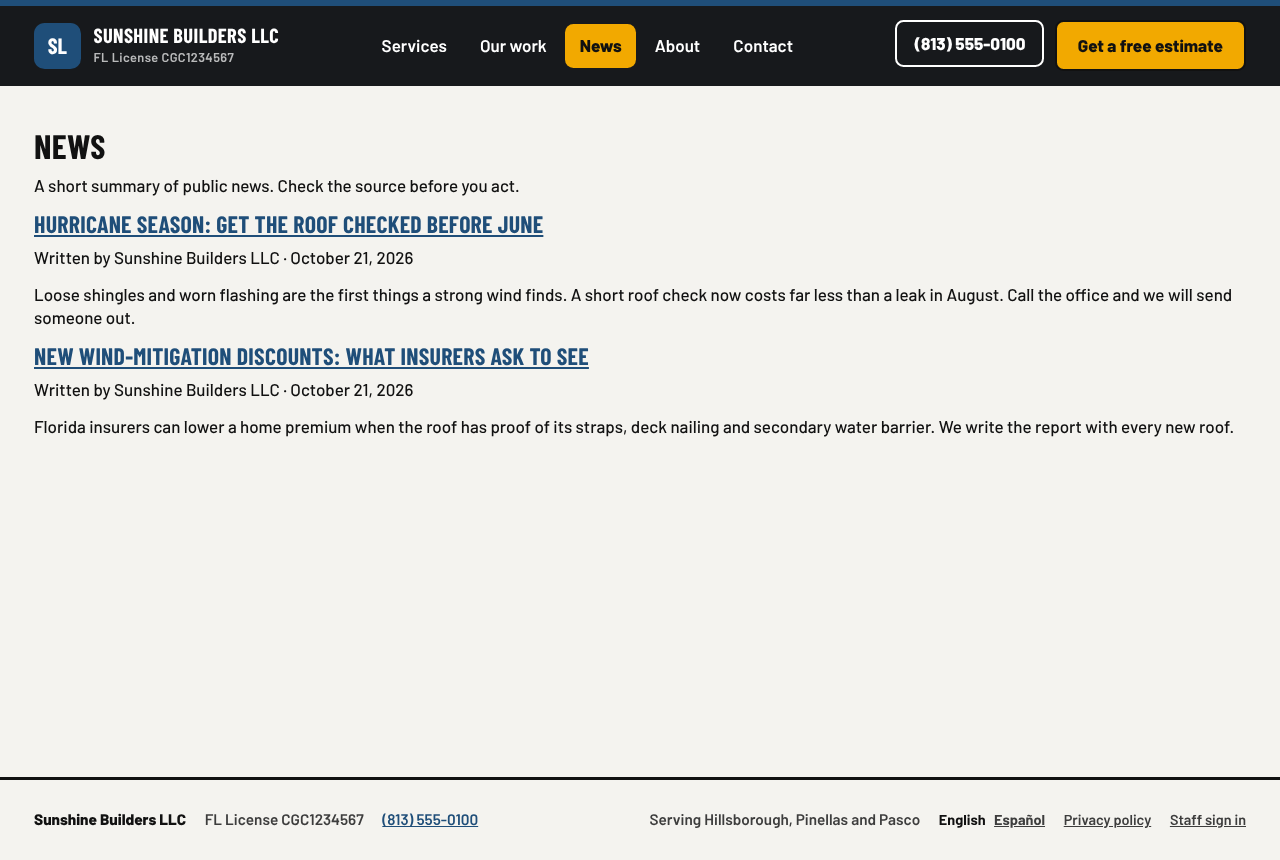
- A news page on your website, in English and Spanish, with every post approved by a person
- Approval limits per person: an estimate, change order or purchase order above a person's limit waits for the owner
- More than one location, with the wall between them: each person sees the work of their own locations, and a Who may do what page, ready to print
- The office manager on the dashboard and on the owner's phone
- The customer timeline, a task list for the office, and an inbox with one line per customer
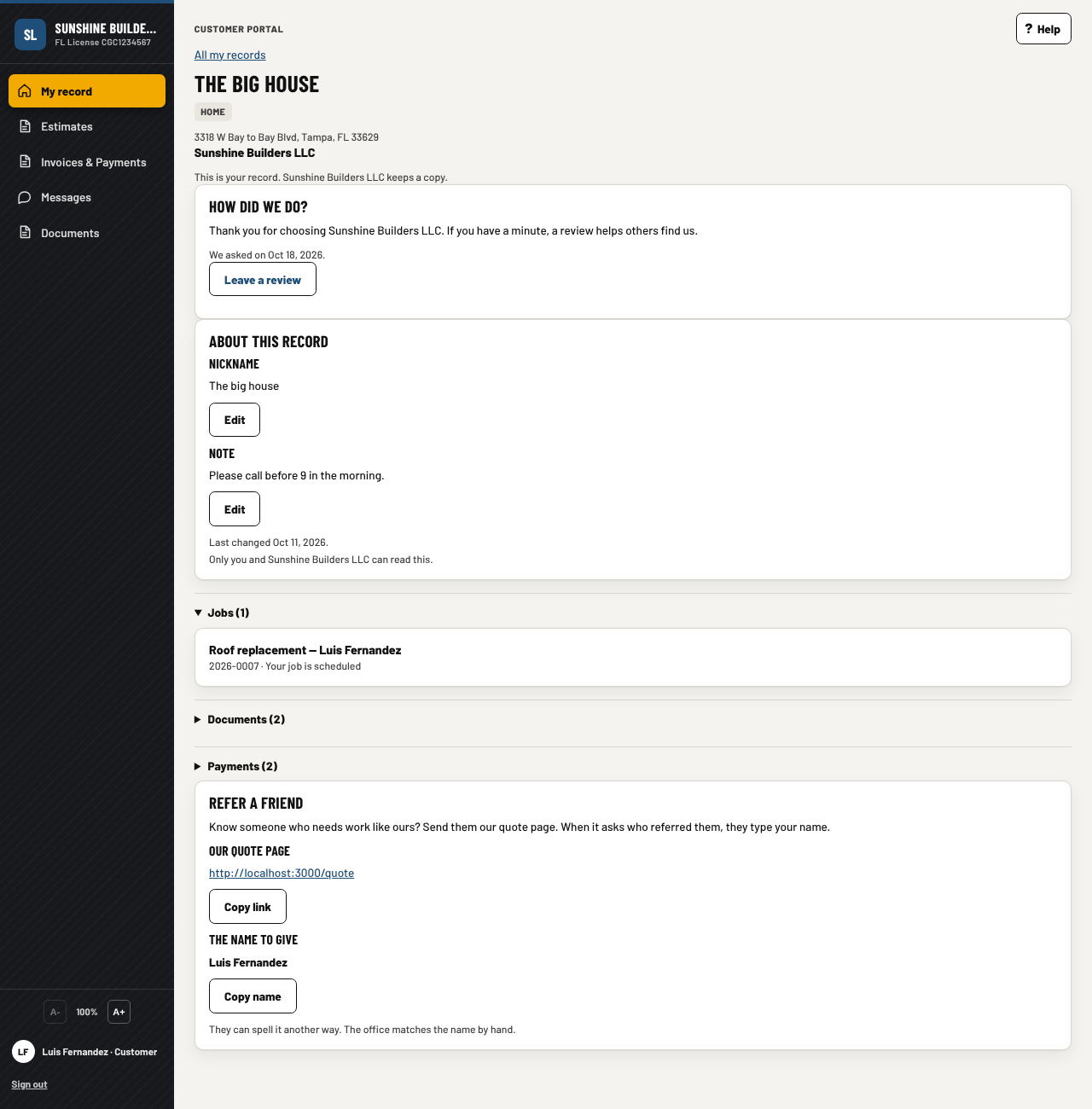
- A review asked for when the last invoice is paid, and a next step on every logged call or visit
- A financing link on the estimate for a company that uses an outside lender
- Card payments through Stripe, Square, Helcim, PayPal or Clover
- A phone app for iPhone and Android, built from the same app
- Roof measurement import from an EagleView or Hover report, with a preview
- Connect other apps with an API key and webhooks
- Pay over time at checkout through the card processor you already use
- Switch over from Jobber, Housecall Pro, QuickBooks, ServiceTitan, Buildertrend or JobNimbus exports, with old estimates kept as history
- Bring your old contracts, permits, invoices and photos in from a folder, a zip, Dropbox or Google Drive: the app files the sure ones and asks you about the rest
- QuickBooks both ways: invoices, payments and bills go across every night, and what your accountant records there comes back
- Job costs counted from the books by cost code, a receipt split across jobs, and a bill read from a PDF or photos
- The app reads a plan page and proposes the takeoff rows, and nothing is priced until a person confirms it; PDF drawings open in the app with marks and revisions
- The box drafts replies and estimates ahead while the AI computer is idle, and sends nothing
- Trends from the books each night, and Open items across all your jobs
- Working inside the general contractor's Procore: assigned RFIs and submittals on your job, and your part of the day sent to the GC's daily log, and the monthly pay application to the GC with stored materials, retainage and the signed conditional waiver
- The house changes hands: the customer taps I sold this, or you tap Move to a new owner; once you confirm, the new owner gets the record, the work done there and the warranties you pass on, and you get a warm lead
- Solar jobs with the paperwork list and a panel layout drawn on a roof photo
- The whole insurance claim: the carrier's estimate read in beside yours, supplements, depreciation, the mortgage company's endorsement and the dates the policy and the state set
- Storm declarations that start from the weather service's alerts
- The crew app in Haitian Creole as well as English and Spanish
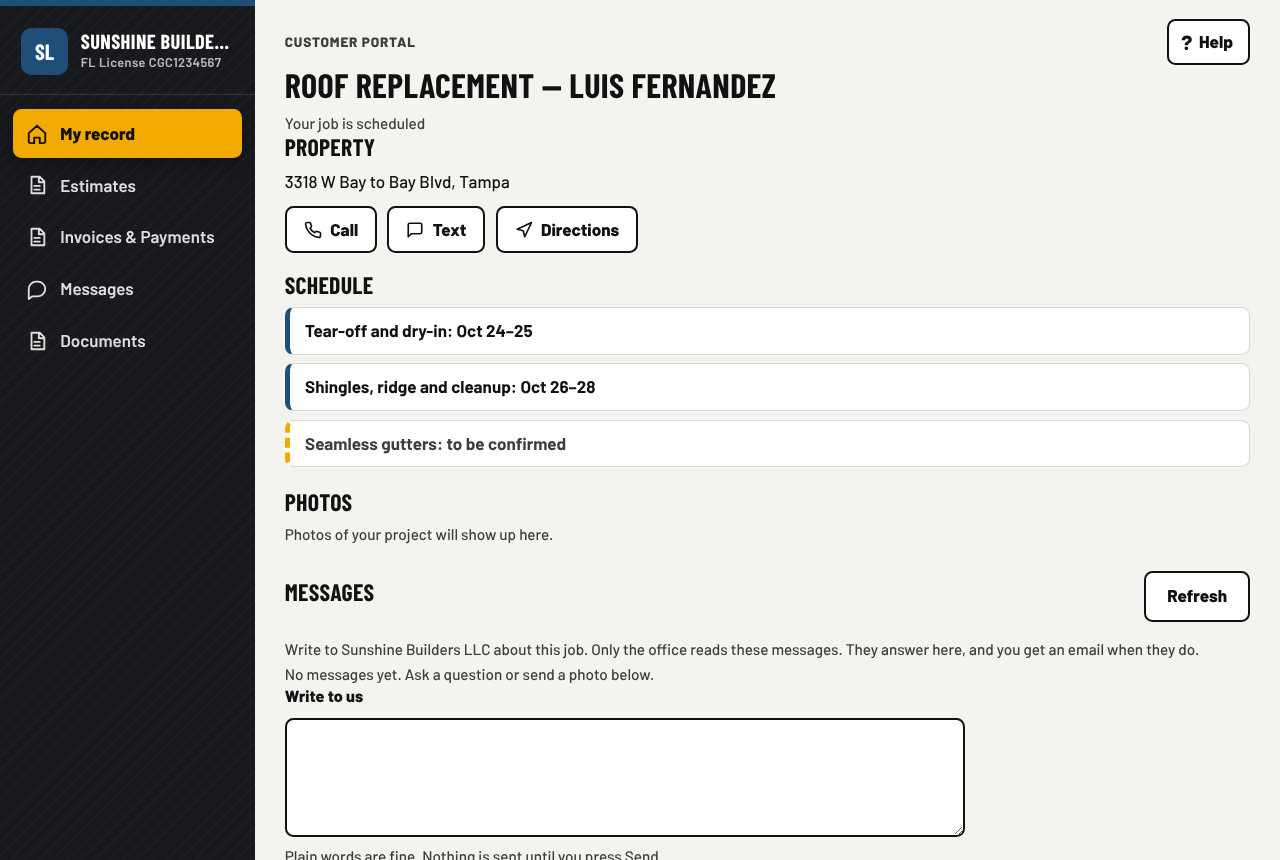
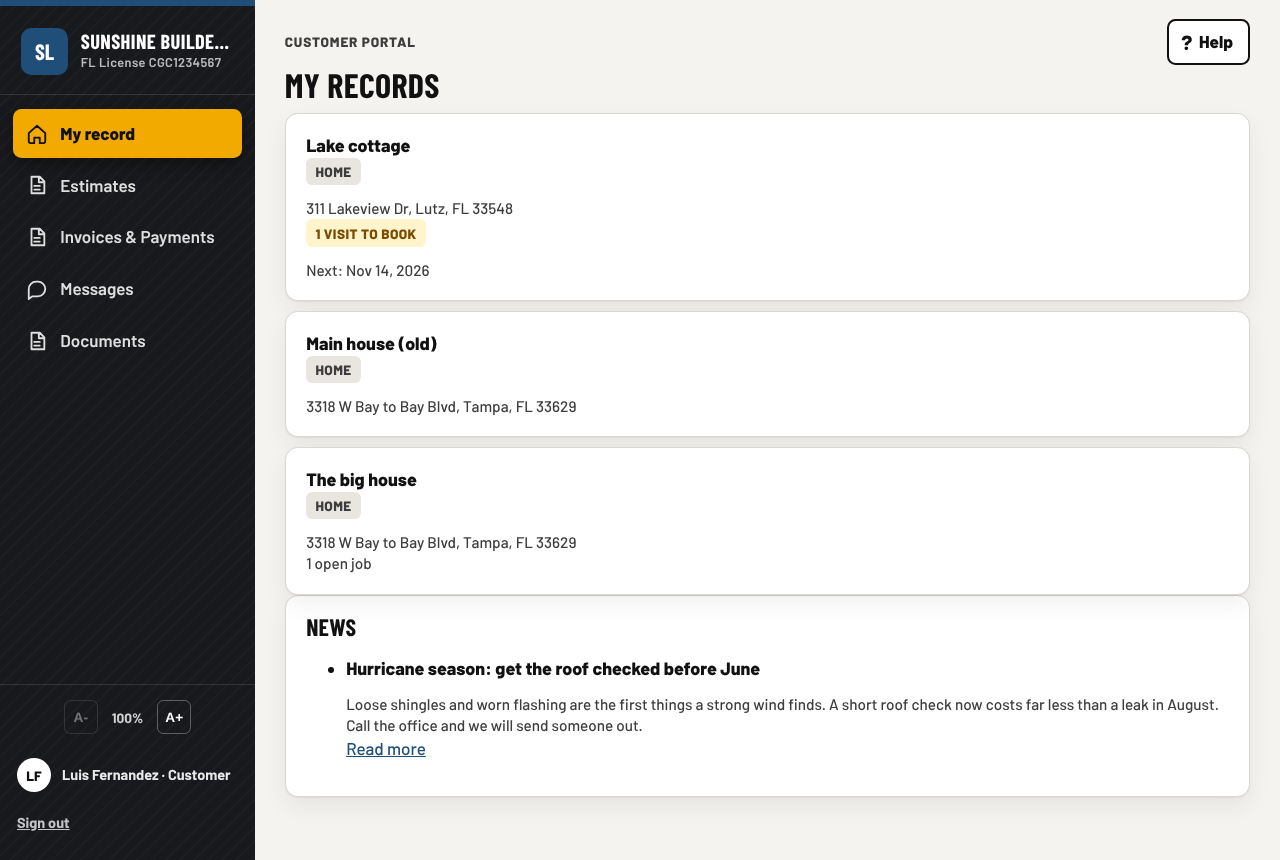
- The customer's portal opens on My record: each house you built has its own page with every job, document, warranty, photo and payment, and what is due soon with a Book it button
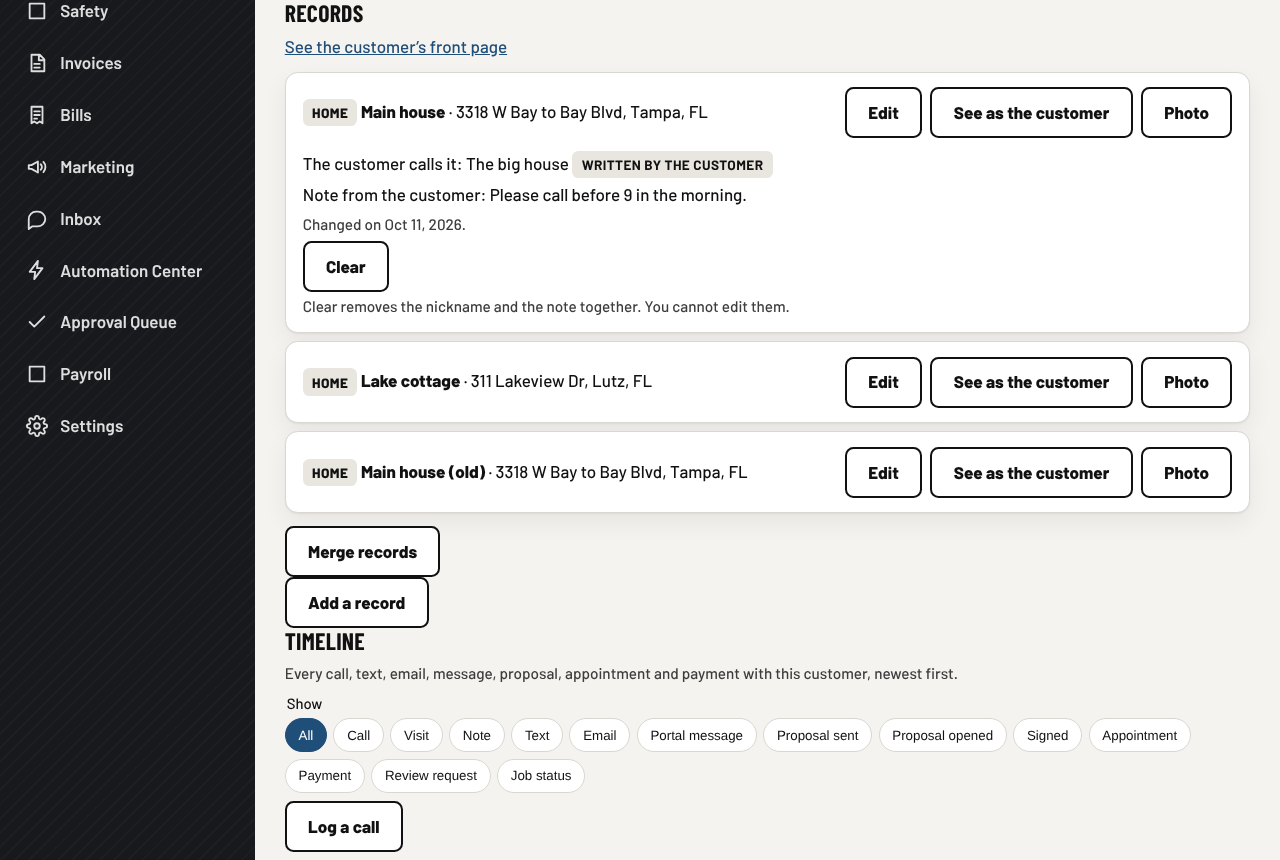
- The record, further: a nickname and a note the customer writes, a photo the customer picks from the ones you shared, a review card that follows a request you sent, a friend's address to share, a preview of exactly what the customer sees, and a way to fold two records of one customer into one
- A payroll time file for ADP, Gusto or Paychex
- A reviews page on your website, and review requests that are not repeated too soon
- Update prices from a photo of any supplier's invoice
- The customer portal and every document in Spanish for a customer who speaks it
- Equipment service by miles or hours
Next
- Apps in the App Store and Play Store: the app is built, the store pages wait on the developer accounts
- Tap to pay on the tech's phone, with no card machine, after the store apps
- A live truck map, after the store apps
- The drafting spread across many AI machines, for a company of forty (a second AI box that takes over when the first is busy or down is in the app today)
- When a house sells, the record moves to the new owner, the warranty goes with it where its terms allow, and you get a warm lead with the history attached
A pricing example for a construction company
A general contractor with an office of three, two more people in the office, and ten people in the field. The full price list is on the pricing section of the front page. Prices as of October 2026, in US dollars.
From 16 crew the crew seats are 15% off, from 41 they are 25% off. Buy the box from us and the whole subscription is free for the first months, see hardware. The customer portal is free with no limit. Seats can change any time, and you can cancel any time.
Next step
Tell us how many people you have in the office and in the field, and what you use today. We size the box, send a firm quote, and install it on site in Florida.
Also for: Jewelry stores, Service companies, Computer shops. Or go back to the front page.
Contact
Based in Florida. We answer the phone during business hours, Eastern time.