One app to run your company, on a computer you own.
Office on a computer, crews and staff on their phones, customers in a web page. Built first for Florida construction companies; the same app runs a jewelry store, a service company, a computer shop and a pool, lawn and pest company. We build the box, install the app, and support it.
Pick your kind of company
Each kind has its own page, in its own words. You pick the kind when you set the app up and the menus, the wording and the switches follow. The owner can change it later; nothing is deleted.
Construction Available now
General contractors, remodelers, roofers, and any trade that bids, builds and bills. Estimates, contracts, permits, crews, subs, change orders, draws, lien waivers, the whole insurance claim, the books.
What it does for a construction company Try itJewelry stores Available now
Inventory by tag number, receiving and memo, the counter, repair tickets with a bench queue, the staff app, and an online store with checkout that sells from the same inventory.
What it does for a jewelry store Try itService companies Available now
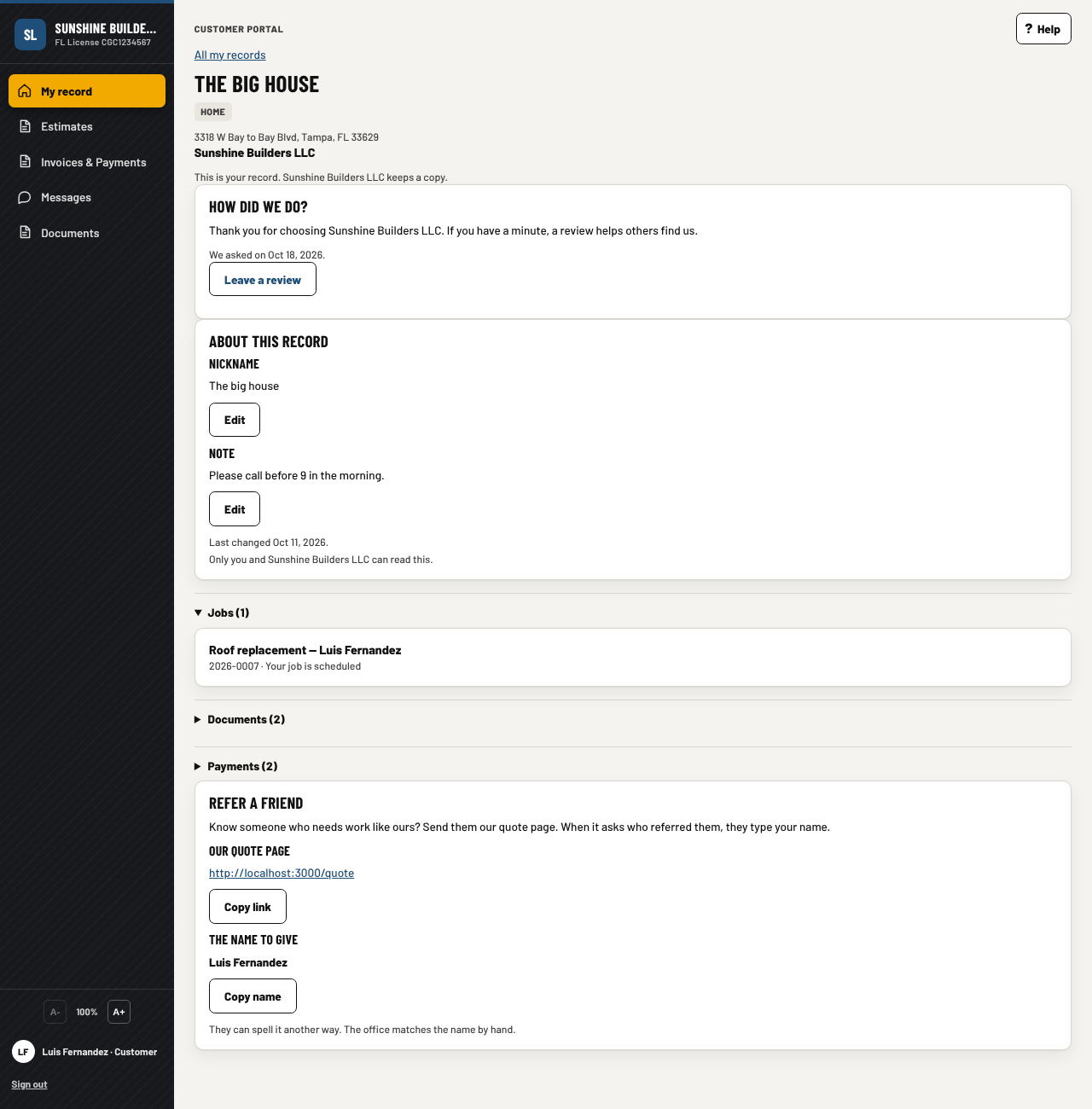
Air conditioning, plumbing, roofing. Book a visit on your website, a dispatch board, the next call on the tech's phone, a flat-rate price book with good, better and best, maintenance agreements, truck stock, a card taken at the door, and the customer's own record of the house.
What it does for a service company Try itComputer builders and repair shops Available now
Parts with serial numbers, a build sheet per box, the tech's bench, warranty claims and returns, shipped and delivered emails, boxes sold in your online store, and a fleet view of every box you sold. The profile we run our own company on.
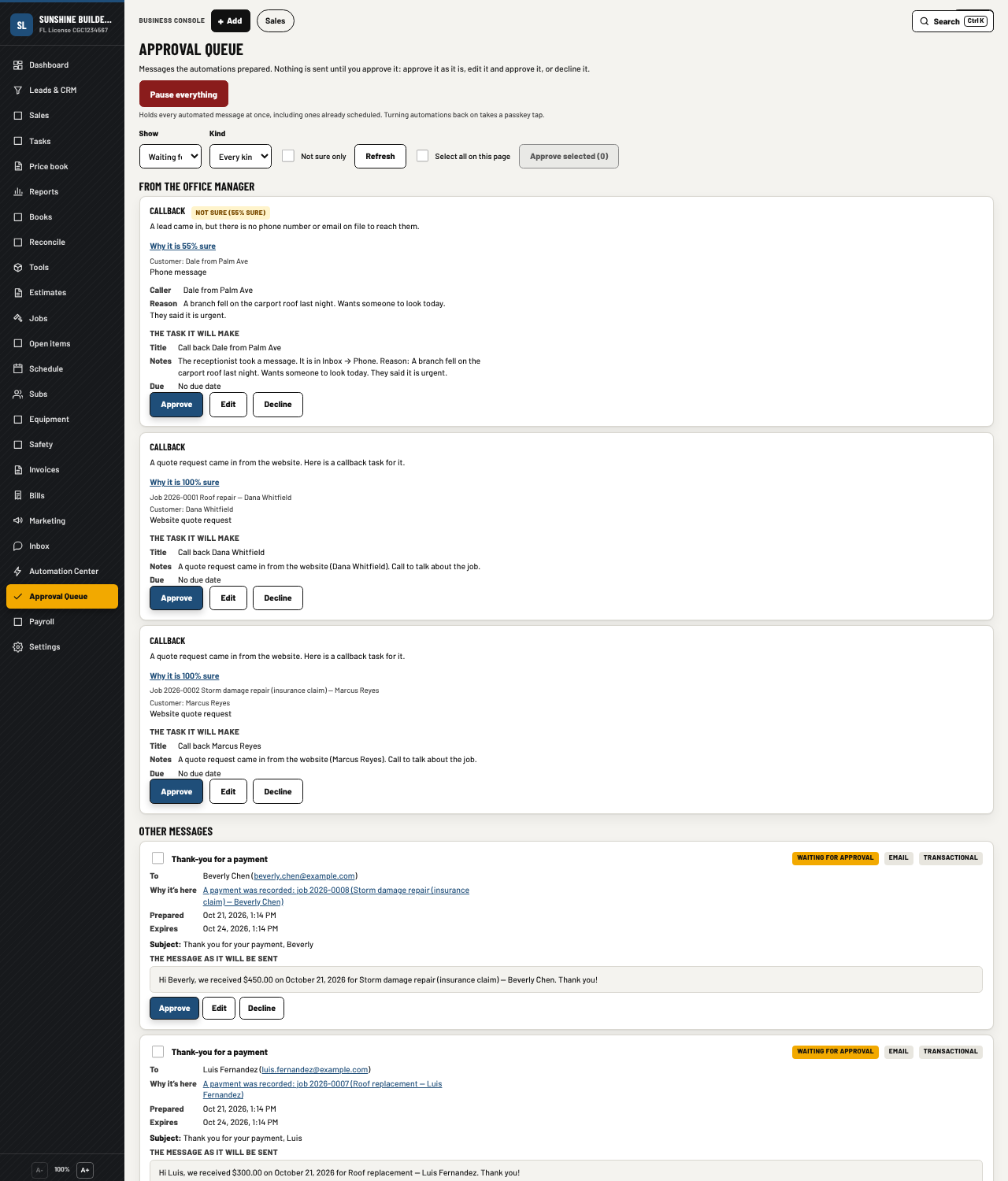
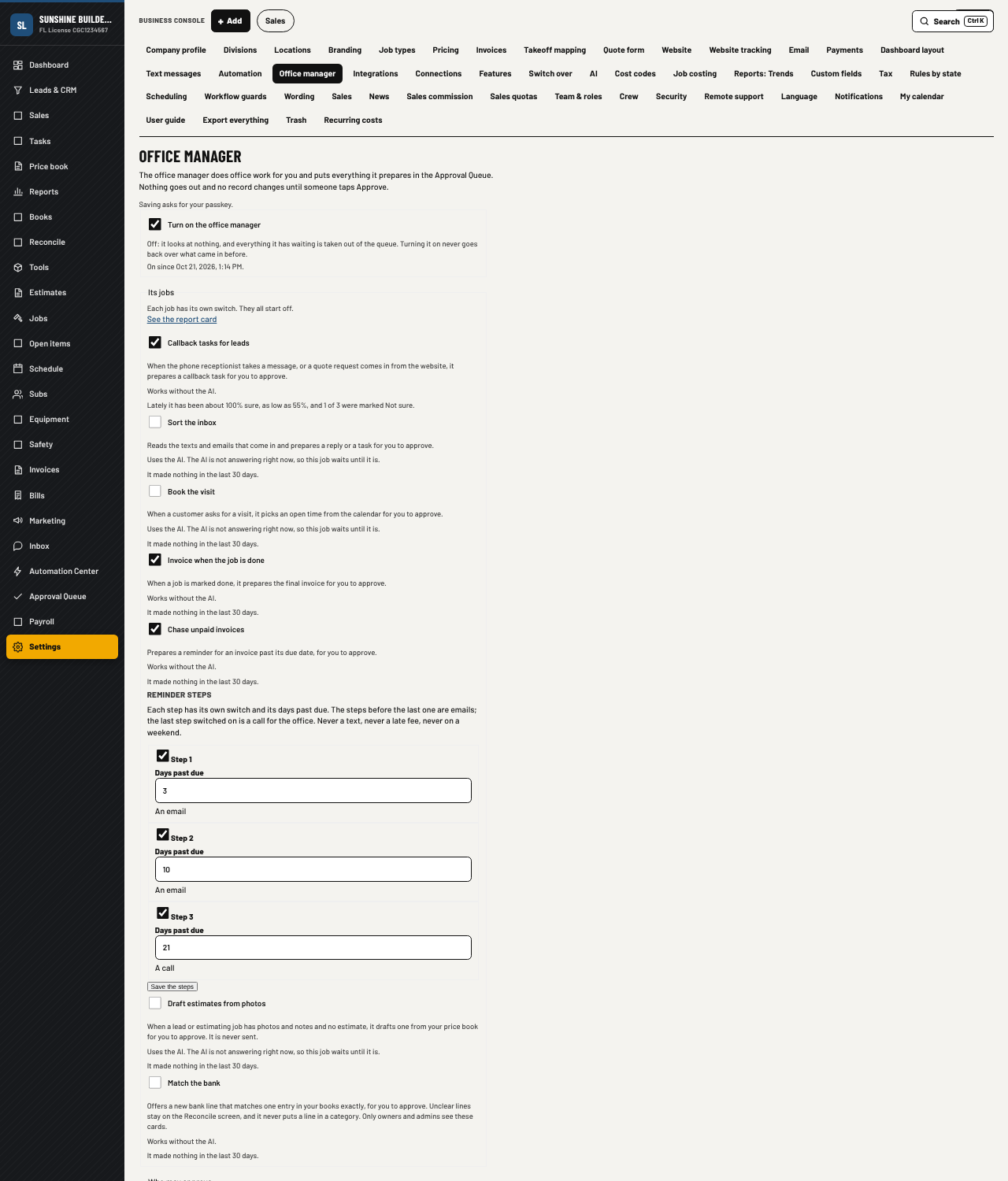
What it does for a computer shop Try itEvery kind shares the same core: customers, the inbox, texting and email, the customer portal, online payments, the books, bank import, payroll, the staff app, reports, exports and backups. A phone receptionist that answers the line when nobody can. An office manager that does the routine work and asks for your tap before anything goes out. Every screen in English and Spanish.
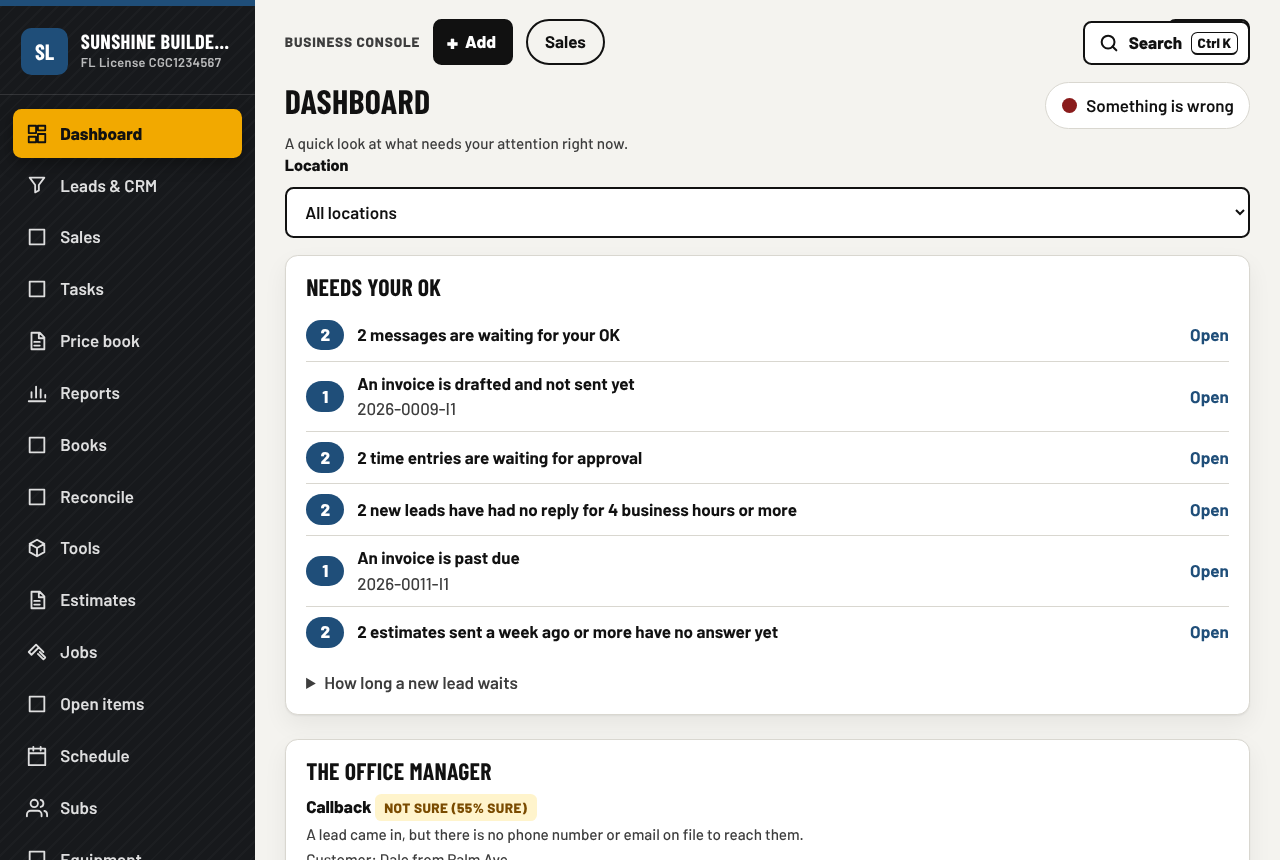
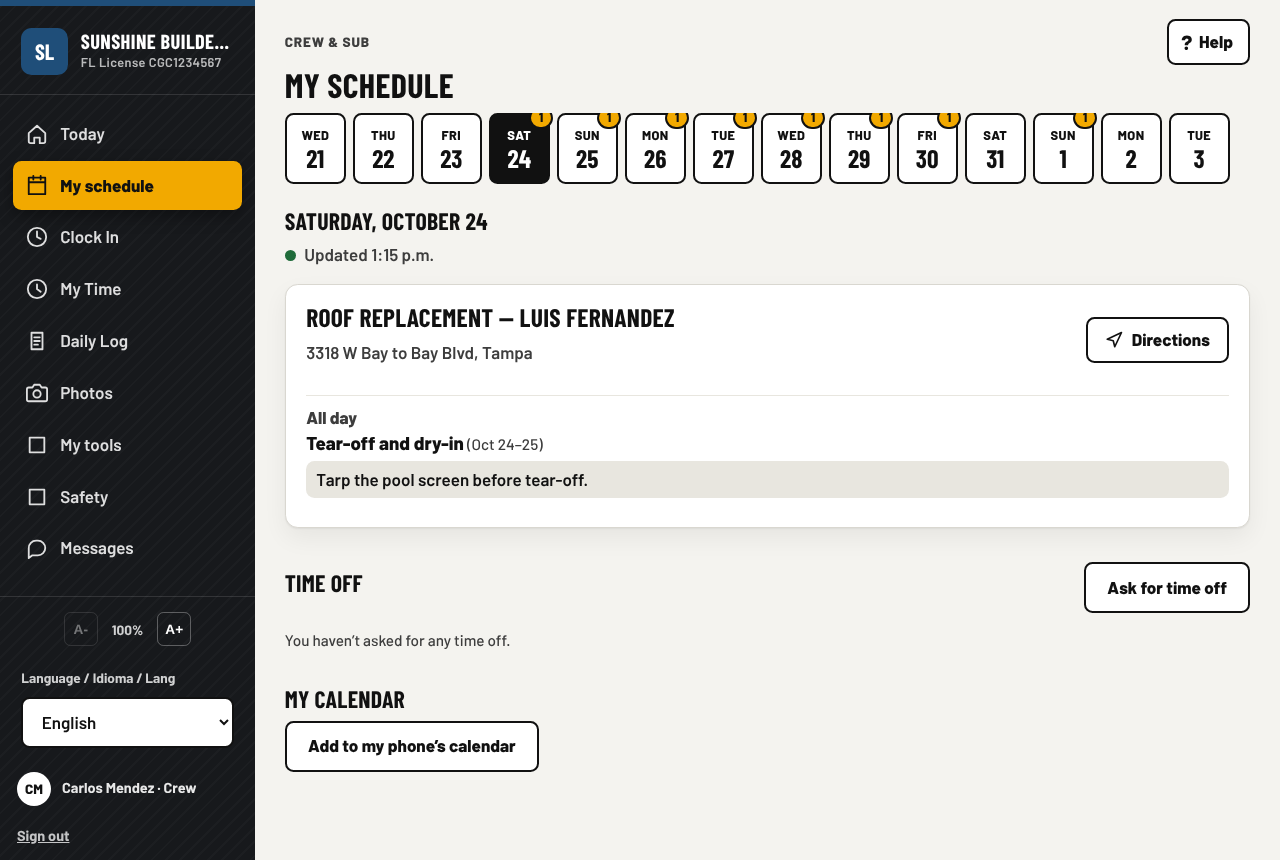
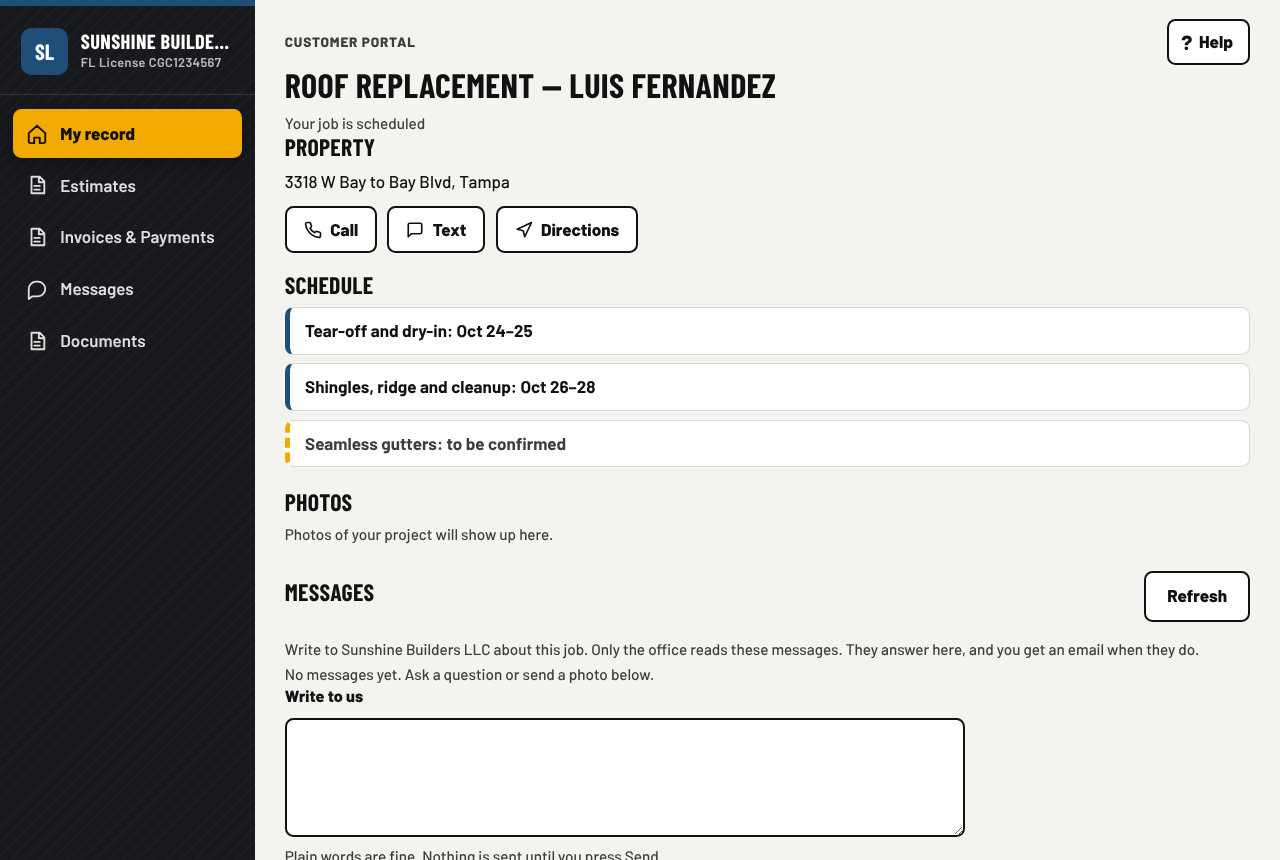
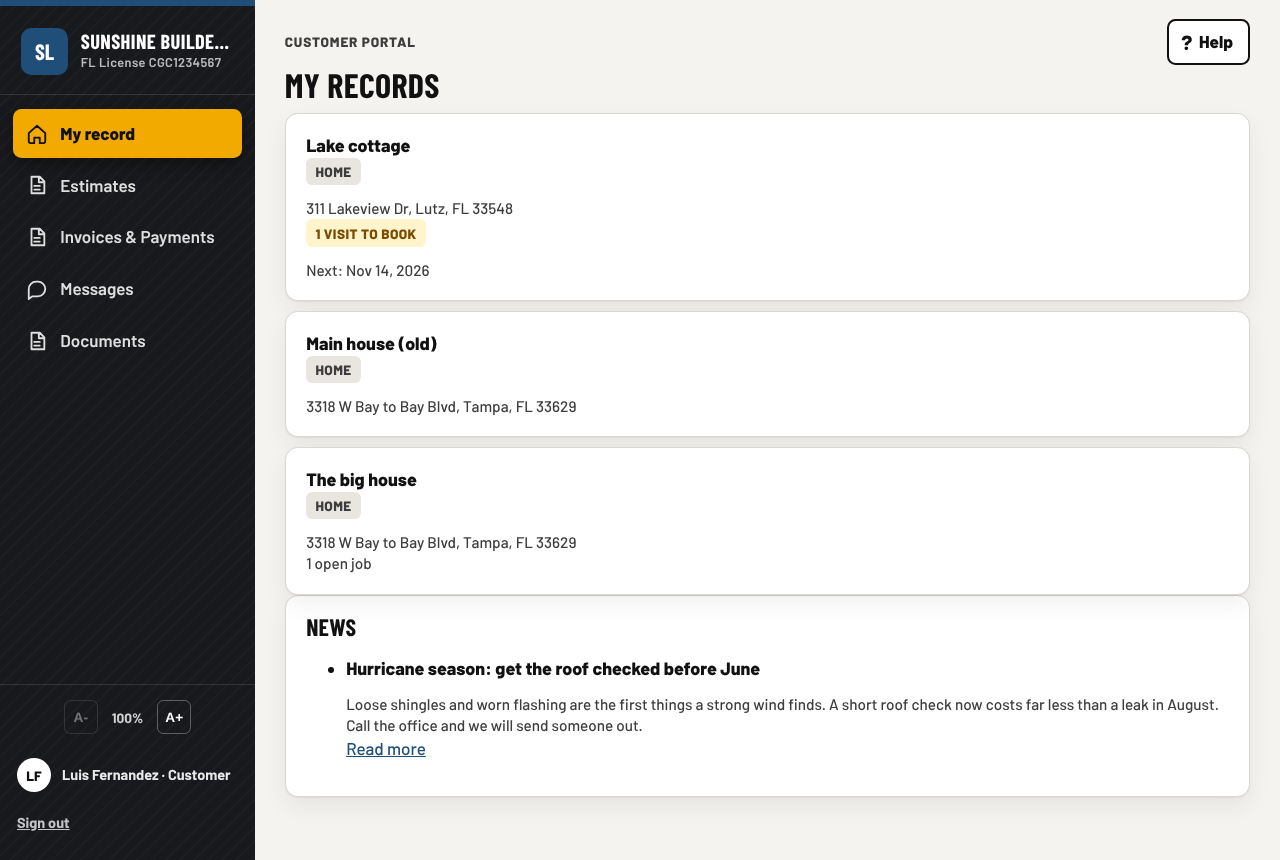
Three apps, one set of records
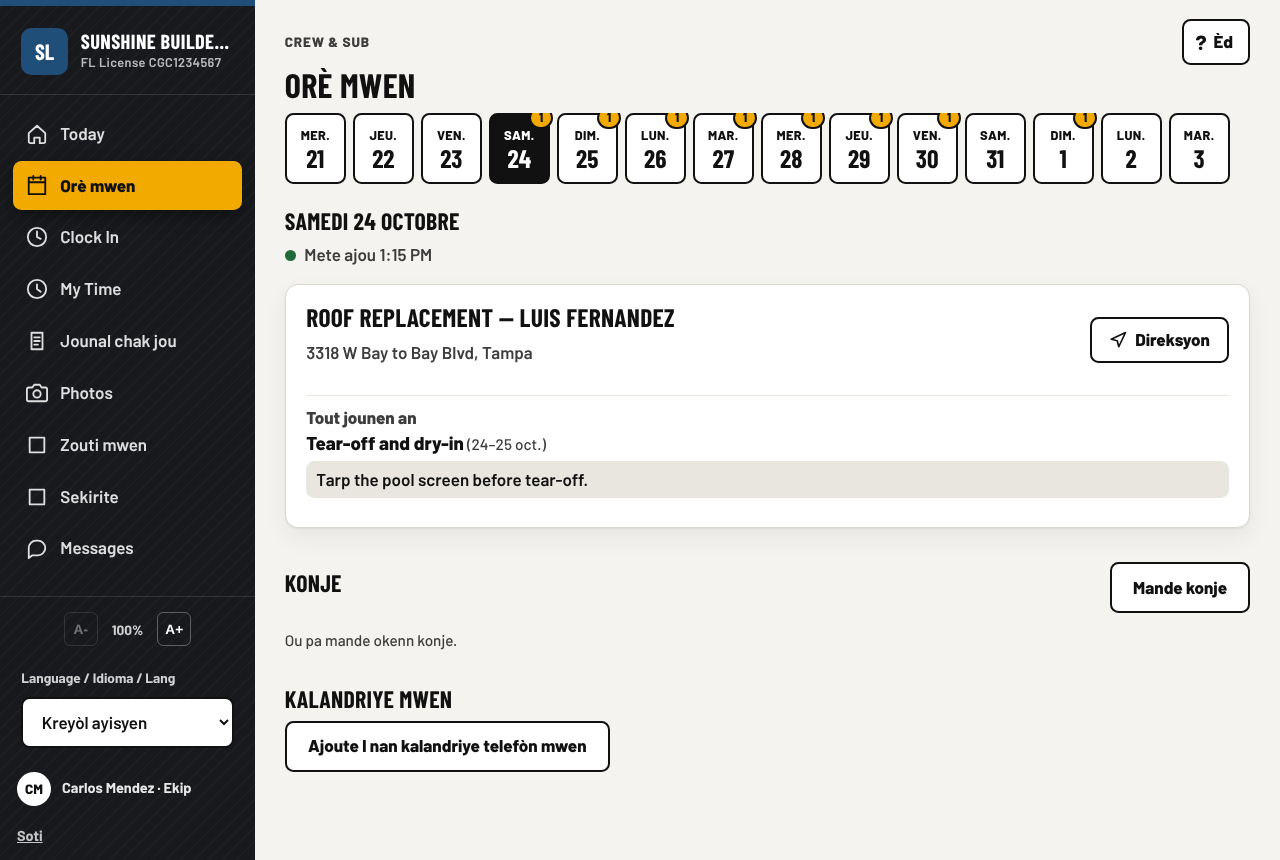
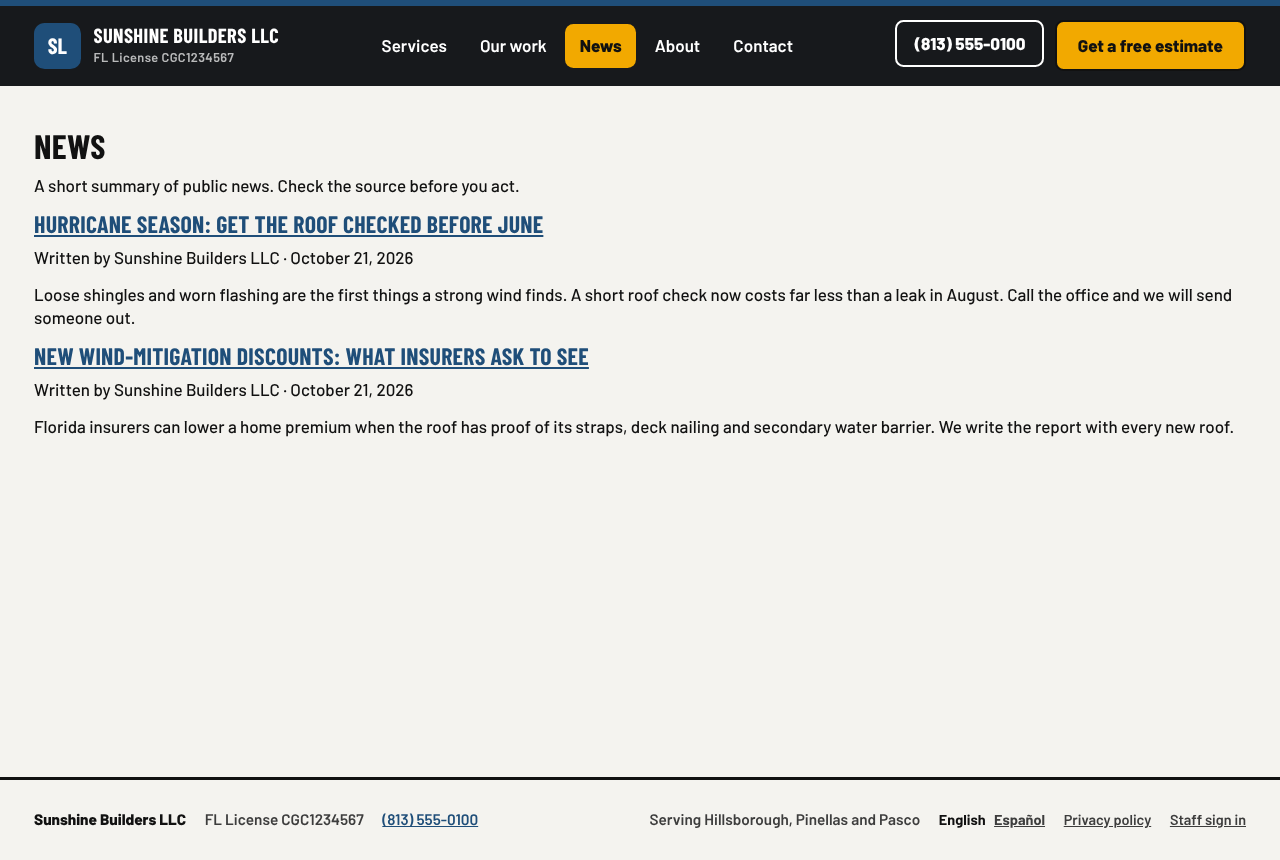
From the first phone call to the last payment, everything is in one place. The pictures are from the demo companies, filled with made-up sample data.
An office manager, and room to grow
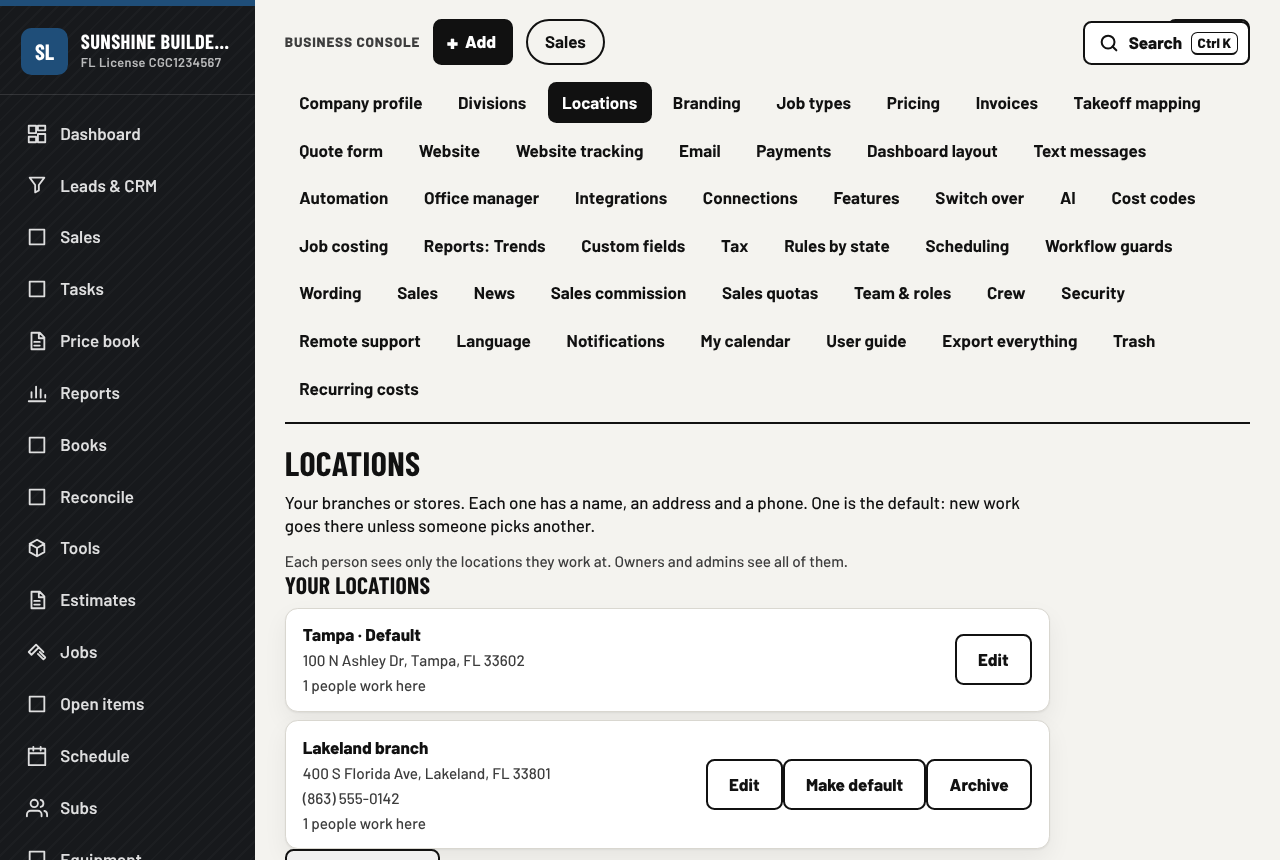
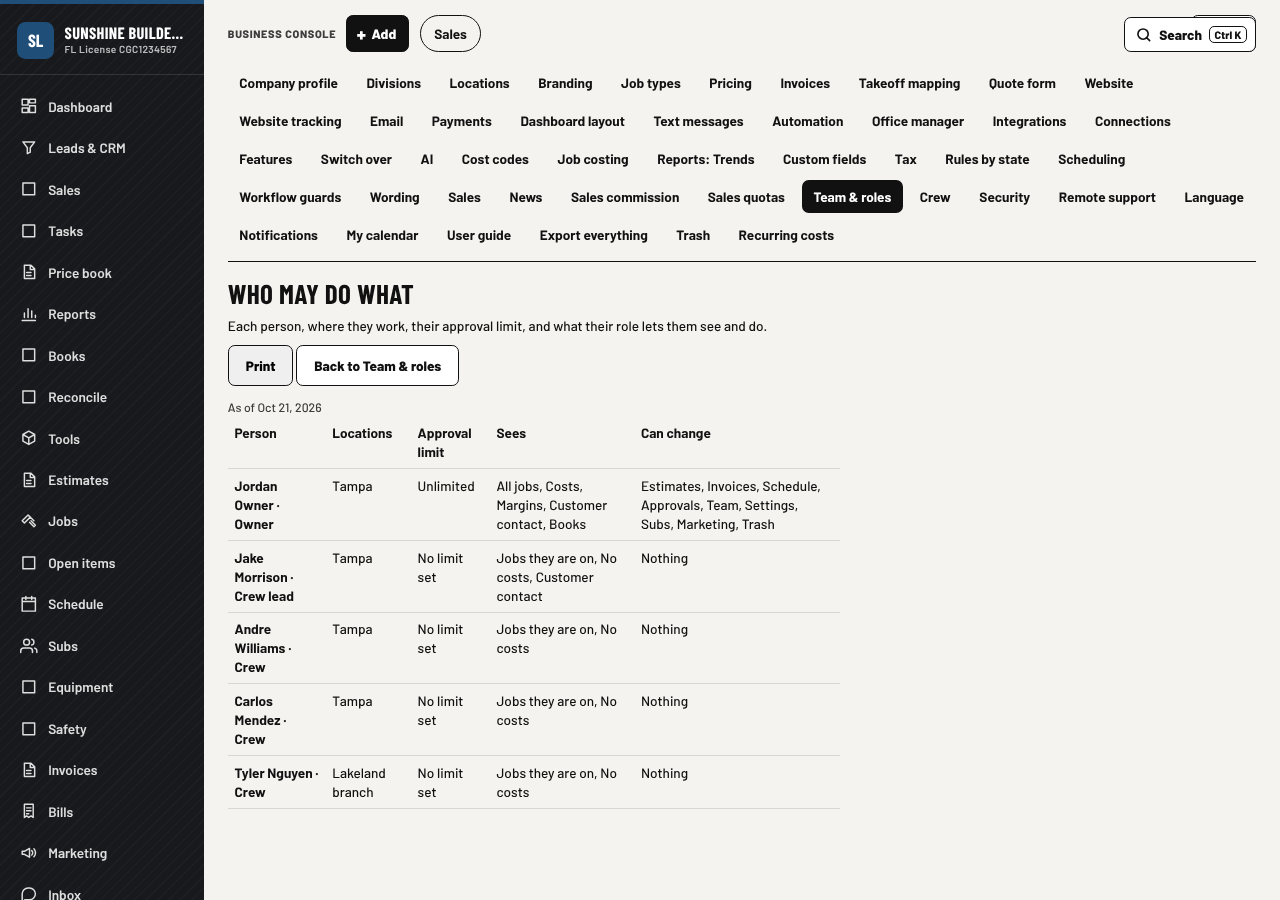
From versions 2.0 and 2.1; what came after is on the What's new page. The pictures are from a demo company, filled with made-up sample data.
More about the box and the app
The box we build
Every box runs the whole app. Three ways to go, from a rescued office computer to a pair that never stops.
See the box we buildHow it works
Why a box in your office, how we build, install and support it, and the questions people ask.
See how it worksWhat's new
The customer's record of the house, the ring or the box they own, with a nickname, a photo and a way to see what they see, a house that changes hands, the pay application to the GC, pool, lawn and pest routes, and the whole insurance claim. Before that: QuickBooks both ways, an office manager with one approval queue, more than one location and connect other apps.
See what's newPricing
A subscription for the software. Hardware is sold separately, see the box we build. Prices as of October 2026, in US dollars. Each kind's page has an example sized for that kind of company.
| What | Monthly | Billed yearly (20% off) |
|---|---|---|
| Office license, one per company, includes 3 office seats | $149 / month | $119 / month |
| Extra office seat, each one past the third (owner, admin, office, accountant, estimator, project manager, salesperson) | $55 / month | $44 / month |
| Crew seat, each person in the crew app (crew lead, crew, subcontractor; in a store, each person on the staff app) | $20 / month | $16 / month |
| Customer portal | Free, no limit | Free |
Crew discount (crew seats only): 1 to 15 crew, none. 16 to 40 crew, 15% off the crew seats. 41 and more, 25% off. Only active people count: deactivate a person and the seat stops.
Example: office license + 2 extra office seats + 10 crew = $149 + $110 + $200 = $459 a month, or $367 a month billed yearly.
Yearly billing is paid once a year by card, or by check (we send you a license file). Seats can change any time, up or down. Cancel any time.
Contact
Based in Florida. We answer the phone during business hours, Eastern time.